Teams
Organize members into teams for collaboration.
Overview
Teams are groups of org members. Use them to organize who works on what — team members can be filtered in the Architecture view and receive notifications for their team's services (coming soon).
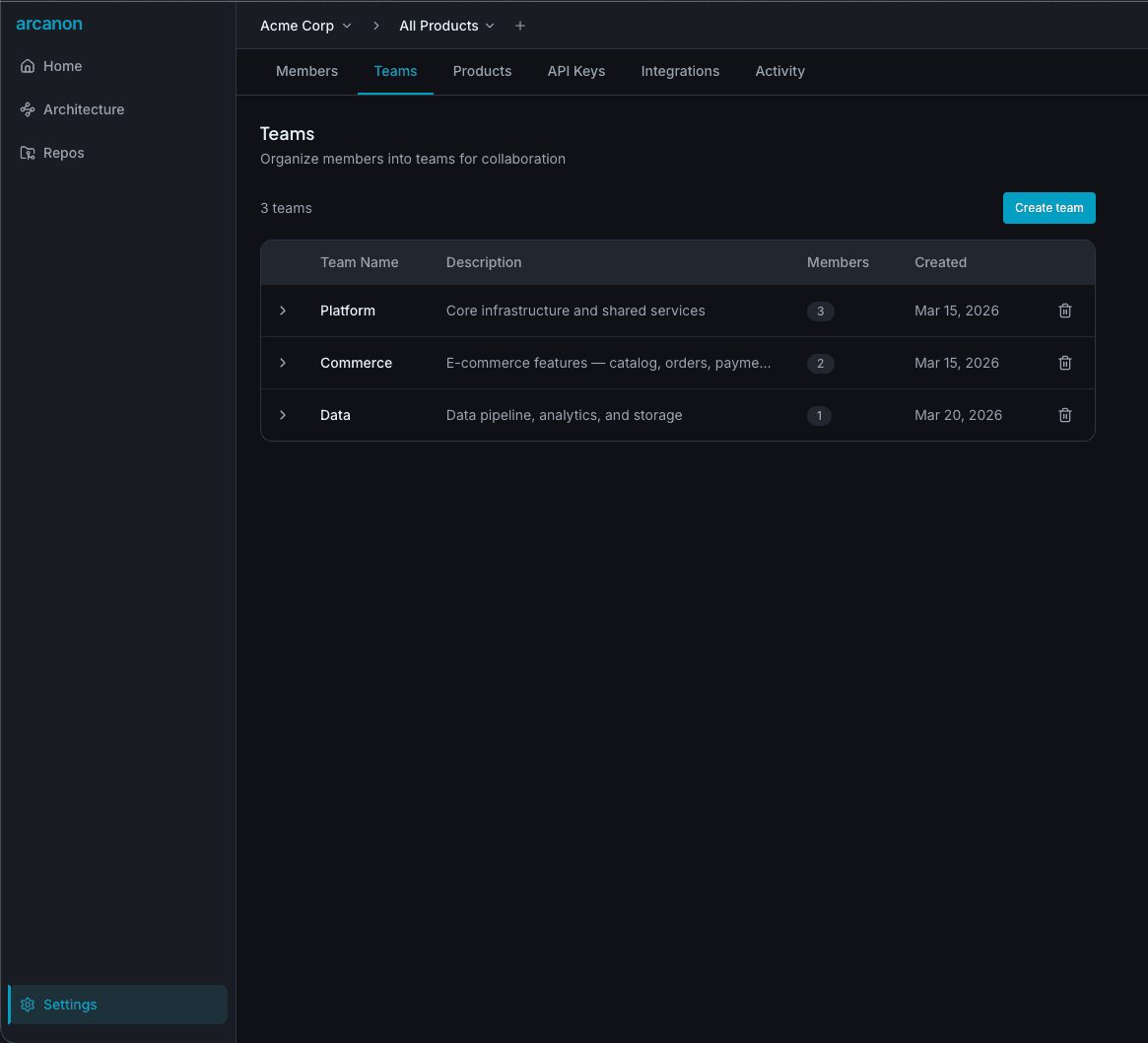
Creating a team
- Go to Settings > Teams
- Click Create team
- Enter a team name (3–50 characters) and optional description
- Click Create
A URL-safe slug is generated automatically from the team name.
Managing members
Click a team row to expand it. You'll see the current members list.
- Add member — Select an org member from the dropdown and click Add
- Remove member — Click the trash icon next to a member
All org members are available to add. A member can belong to multiple teams.
Deleting a team
Click the trash icon on the team row. A confirmation dialog will appear. Deleting a team does not remove its members from the org — it only dissolves the team grouping.
Team filter in Architecture
The Architecture view's + Filter menu includes a Team option. Selecting a team filters the graph to show only services owned by that team.